 Scan with your phone
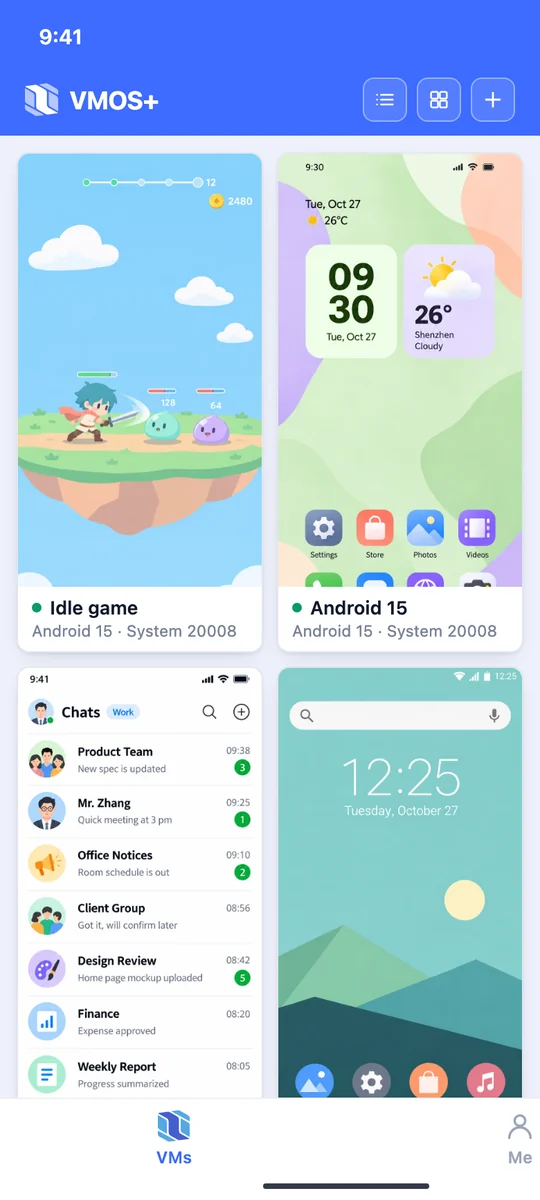











Idle with the screen off
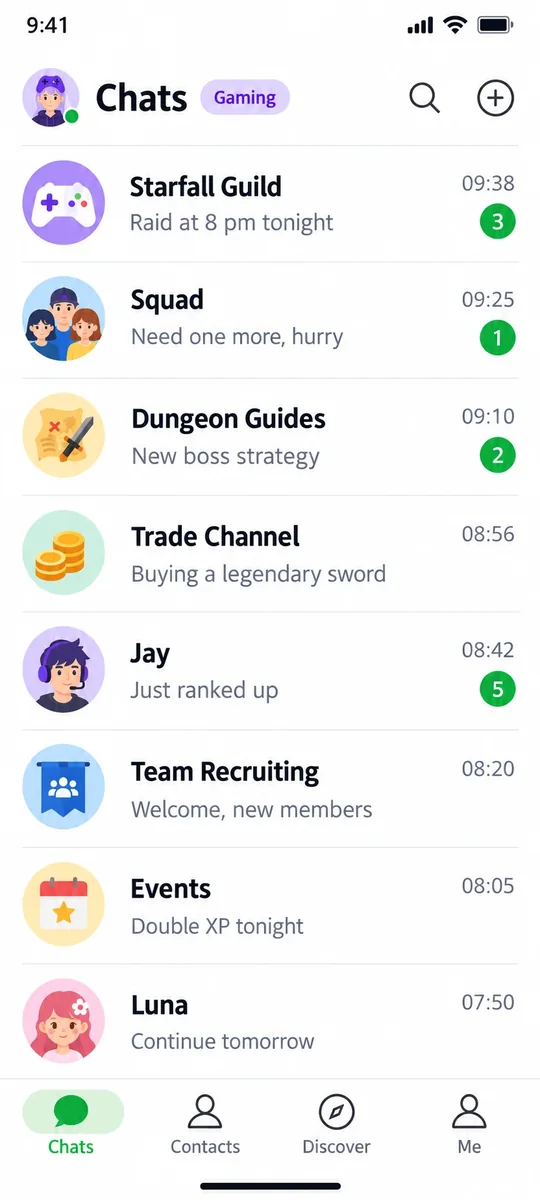
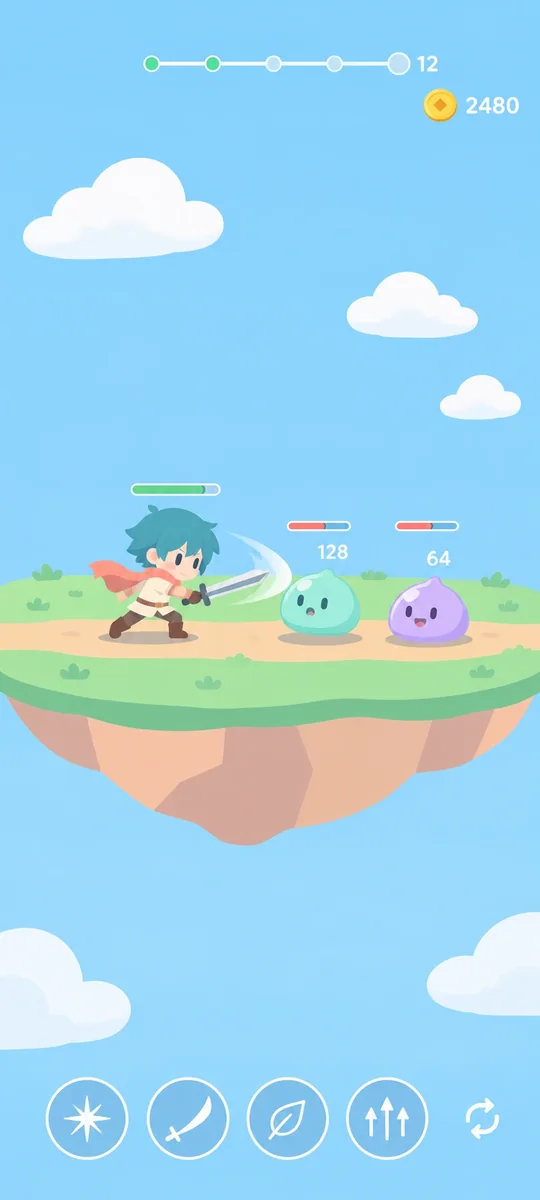
Let the virtual phone run your game. Lock your phone, pocket it or watch a show; it stays online.
Run multiple independent Android virtual machines on your phone. Keep work, life and games apart. No root, free and ad-free.
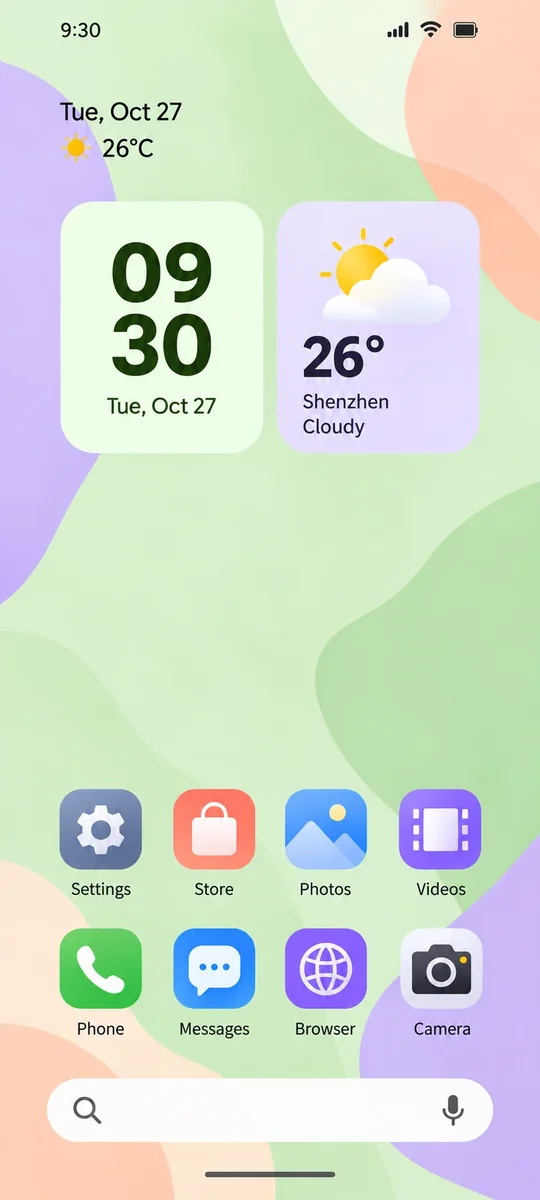
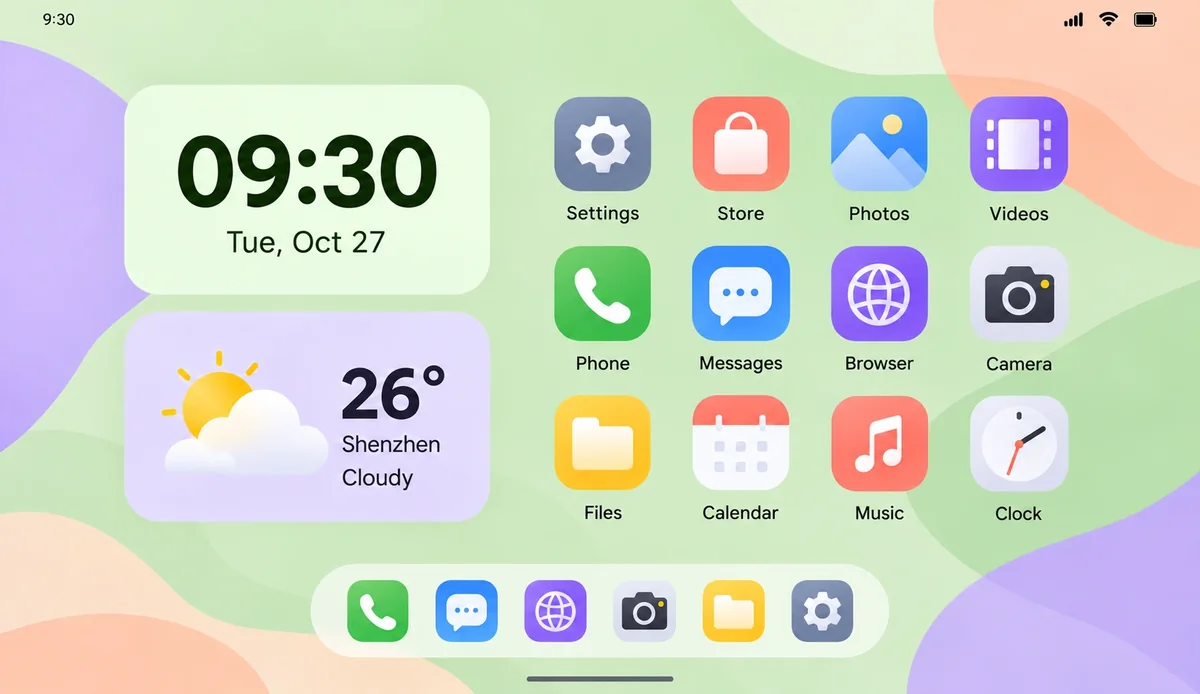
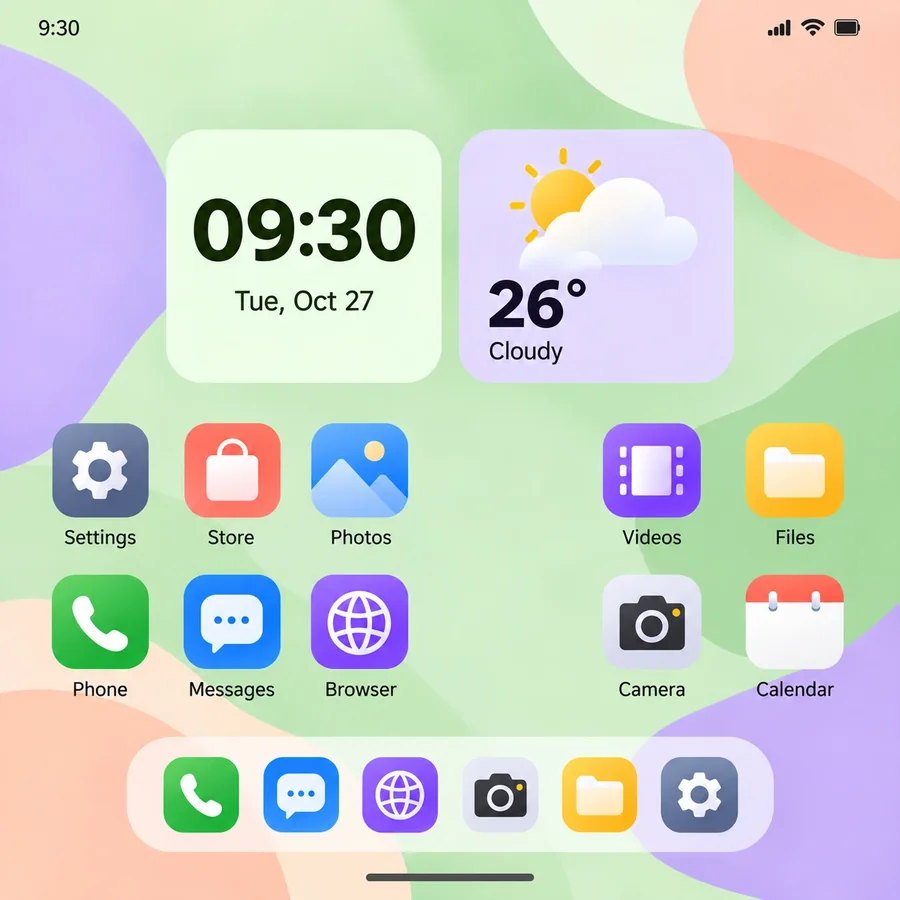
Swipe up to unlockAndroid UI mockup, not a real device
No limit on how manyThe more powerful your phone, the more run at once
Upgraded all the way
Android 15 ships inside the installer, so you can create one right after installing. Install new apps and games directly; classics that only run on older systems still have Android 7.1.
 New apps install directlyNo more “system version too old”

 Root, Magisk and Google servicesOne tap in VM settings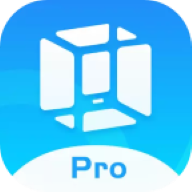
 Move from VMOS ProImport classic backups and keep your data
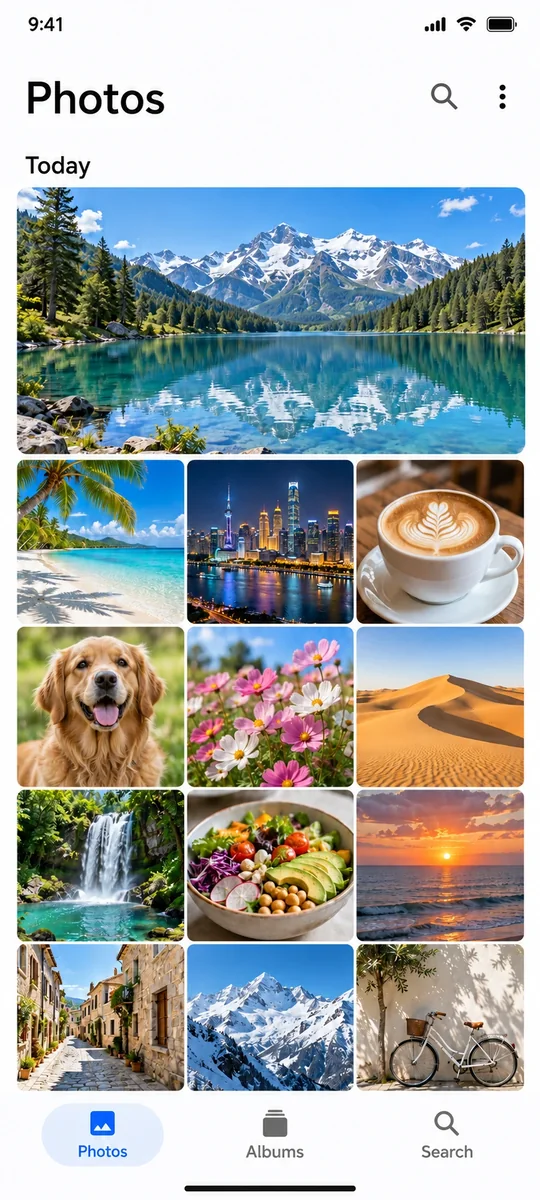
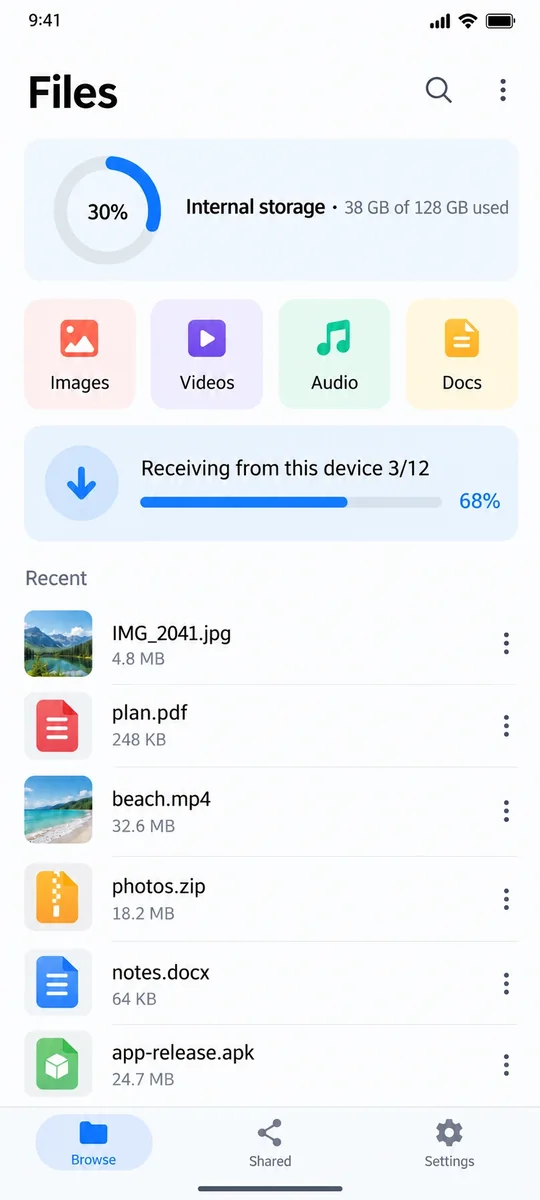
Send photos, APKs and documents from this device into a VM in one tap, and send files from the VM back.
Files transferred 0
Put your work, personal and gaming accounts in separate VMs. Each gets its own messages, with no signing out and back in.
Turn on the switch in VM settings and the VM restarts to finish installing. Plugins live only in that VM, so your phone stays unrooted and unmodified.
Only affects this VM, never your phone
Choose a screen for each VM: phone, tablet or foldable, in portrait or landscape.
Phone · PortraitTablet · LandscapeFoldable · Unfolded
The VM runs as smooth as this device
Shrink a VM into a floating window over any screen and use it by touch. Keep an eye on your game while you reply to messages.
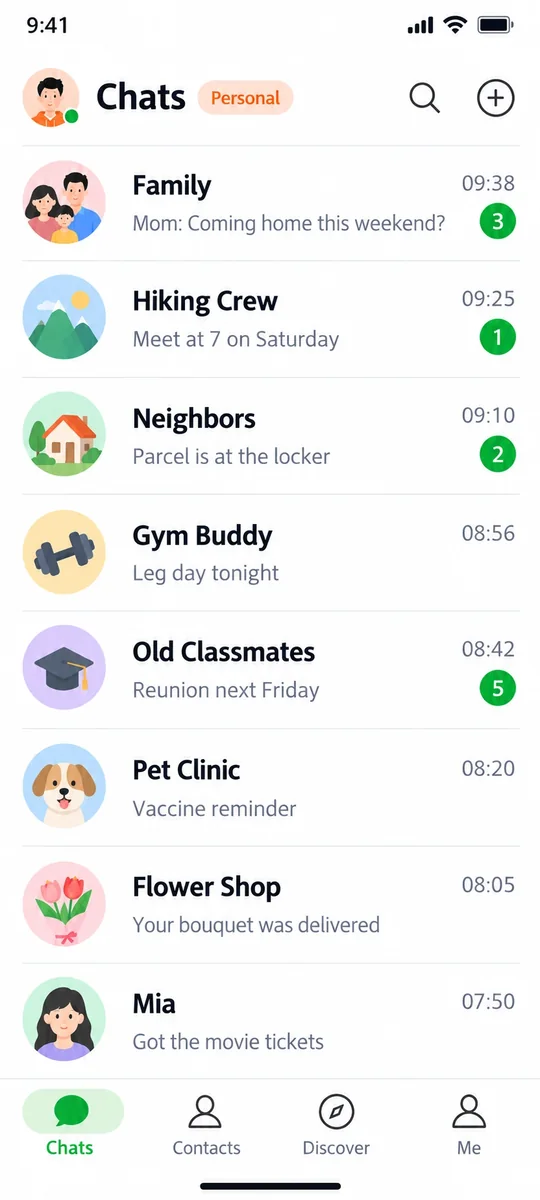
Try dragging the window
Not an emulator or a cloning plugin, but a complete, independent Android system on your phone.
Let the virtual phone run your game. Lock your phone, pocket it or watch a show; it stays online.
Keep important apps in a virtual phone and your home screen clean. Done with it? Delete the whole thing.
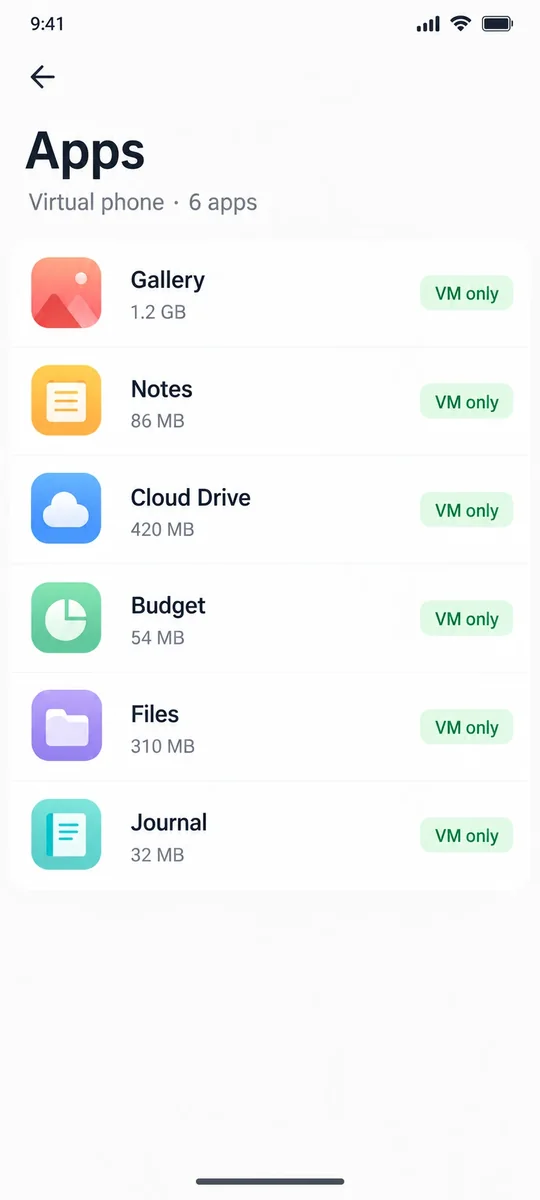
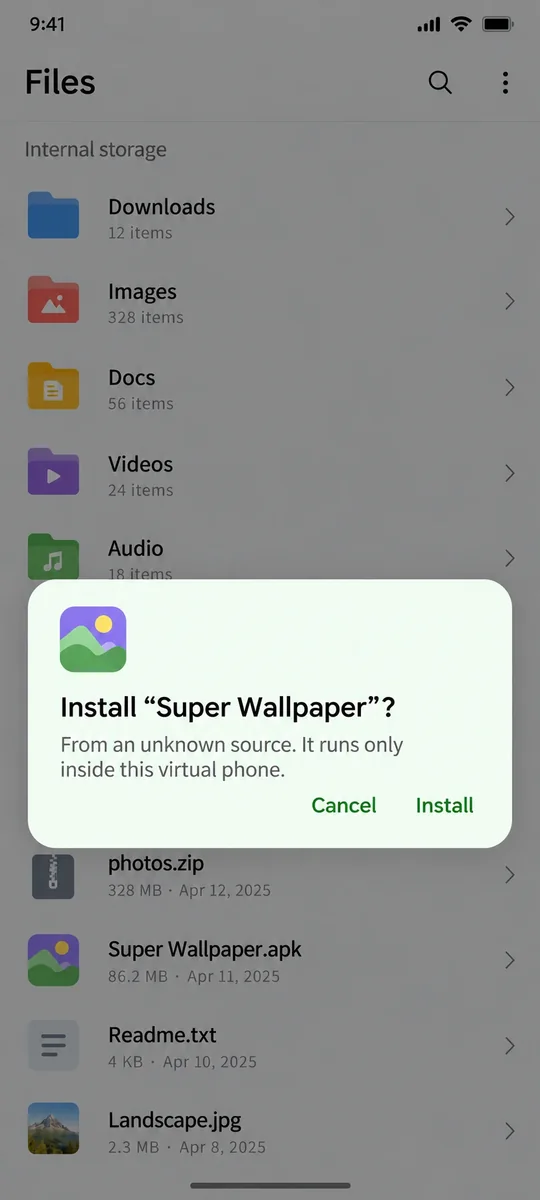
Run unknown APKs in a virtual phone, away from your real data. Broke something? Reset it in one tap.
Classic apps and old games that won’t install on new phones run on the built-in Android 7.1.

No root and no system changes. It’s just an app, and your warranty and system updates stay intact.
Each virtual phone has its own system and storage. Your phone never sees what happens inside.
If something goes wrong, wipe it and start over in one tap. Done with it? Delete it without a trace.
The free version creates your first virtual phone right after install. The system is built in, so there is nothing to find or download.
If an app requires a newer system, install an older version of it in the virtual phone.
 QQ group1121391772
 Scan or tap to join
The system limits background child processes and reclaims background apps, which can shut a virtual machine down mid-use. Background setup lifts these limits once, and they stay lifted.
An Android virtual machine app: run multiple independent Android systems on one phone. Android 15 built in, no root, free with no ads.
No. VMOS+ is a regular app. Install it and go; your warranty and system updates stay intact.
64-bit phones on Android 8.0 or later. Some systems limit background apps; the app guides you through setup, and the VMOS Assistant on a computer can check it too.
Create as many as you like; how many run at the same time depends on your phone’s RAM.
Each virtual phone has its own system and storage, isolated from your phone. Done with one? Delete it entirely.
Choose Android 15 for new apps and games, and Android 7.1 for classics that only run on older systems. You pick when creating a VM.
VMOS Pro is the classic version and VMOS+ is the new generation. VMOS Pro backups can be imported into VMOS+.